Picture a homeowner in Northeast Minneapolis on a cold January morning. The furnace has just quit, so they grab their phone and search “furnace repair near me.” Google shows a map with three businesses on it. Most people call one of those three and never scroll any further.
If your business isn’t one of the three, you’re losing calls you could have won, even if your work is better than the company that got the call. The good news is that these map results aren’t random. Google looks at a set of signals, and you can improve most of them yourself.
In this guide, we’ll walk through the best Minneapolis SEO practices for getting your business into the local pack. We’ve kept it practical, so you can start most of these steps this week.
Quick answer: To get into the Google local pack in Minneapolis, complete and maintain your Google Business Profile, earn steady reviews from real customers, keep your business details the same across the web, and make sure your website supports the services and areas you list on Google.
What Is the Local Pack and How Does Google Choose Who Ranks?
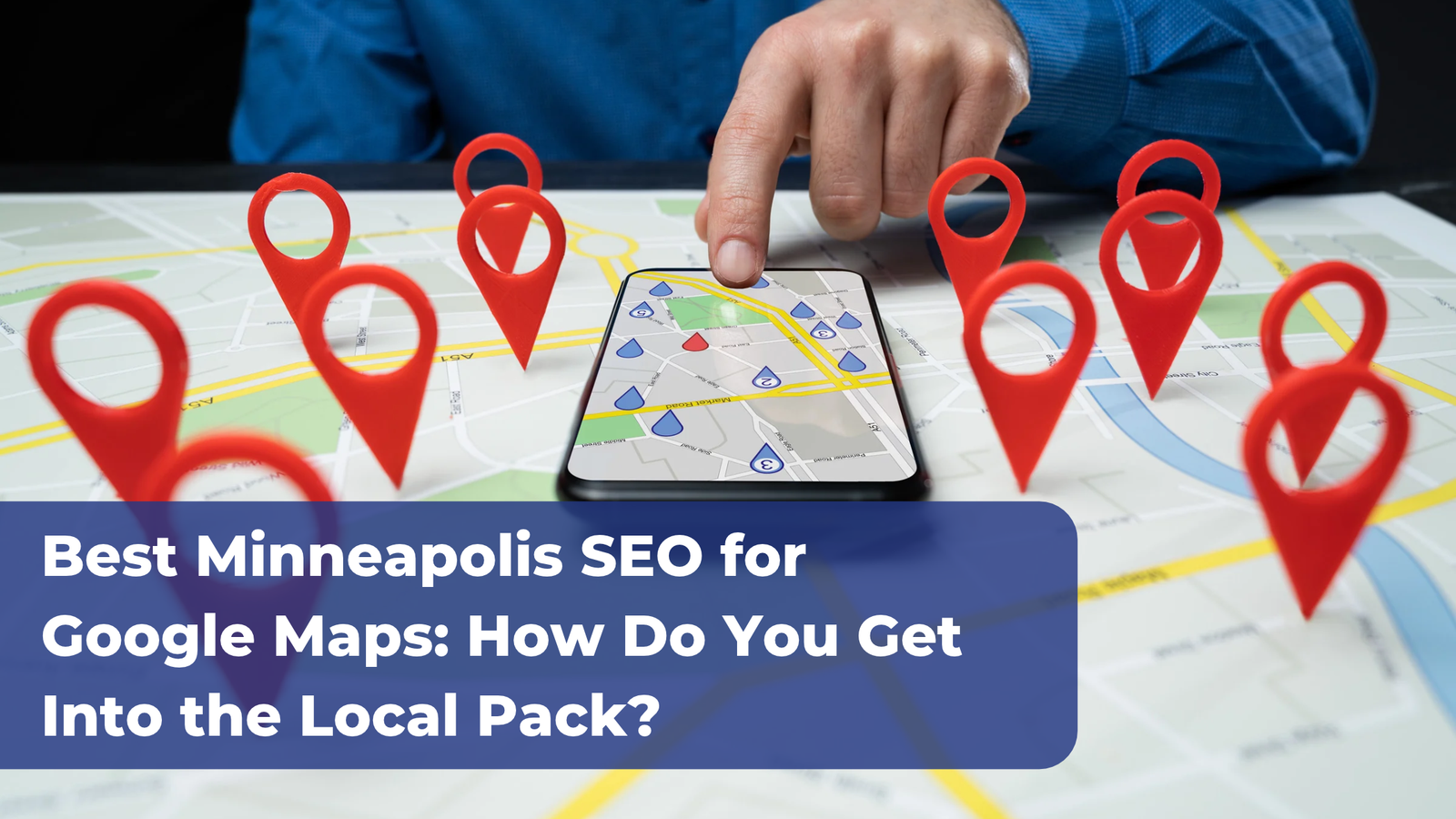
The local pack, also called the Map Pack, is the box of three businesses that appears with a map when someone searches for a local service. It usually sits above the regular website results, which makes it some of the most valuable space on the page.
Google says it ranks these results on three main factors:
- Relevance: how well your profile matches what the person searched for.
- Distance: how far your business is from the searcher, or from the place named in the search.
- Prominence: how well known your business is, based on reviews, links, articles, and other signals across the web.
Distance explains something many local owners notice. A business can be in the top three for searches in Uptown and not show up at all in Roseville or Bloomington. You can’t move your address, but you can make your relevance and prominence strong enough that Google shows you across a wider area.
Step 1: How Do You Optimize Your Google Business Profile?
Your Google Business Profile is the listing that appears on Google Maps. Of everything you control, it has the most influence on whether you show up in the local pack. Good Google Business Profile optimization starts with the basics:
- Pick the right primary category. Choose the one that describes your main service as specifically as possible, for example, “HVAC contractor” rather than “contractor.” Add secondary categories only if they truly fit.
- List every service you offer, with a short, plain description of each.
- Keep your hours accurate, including holiday hours. Few things lose a customer faster than a locked door.
- Set your service area if you work at customers’ homes and don’t have a storefront.
- Add real photos. Start with at least 10: your team, your vehicles, your shop, and finished jobs. Skip the stock images.
- Post updates every week or two, such as seasonal offers, recent projects, or helpful tips.
Treat Google Business Profile optimization as ongoing work, not a one-time setup. Check your profile once a month. Anyone can suggest edits to your listing, and Google sometimes accepts them without telling you.
Step 2: How Do You Get More Google Reviews the Right Way?
Reviews affect both where you rank and whether people decide to call you. How to get more Google reviews mostly comes down to asking at the right moment and making it easy.
Ask right after a job goes well, while the customer is still happy. Send a short text or email with your direct review link, or hand them a card with a QR code. A simple message works:
“Thanks for choosing us today! If you have a minute, a quick Google review would really help our small business: [link].”
Stay within Google’s rules. Don’t offer discounts or gifts in exchange for reviews. Don’t ask only the customers you know are happy (this is called review gating). Never post fake reviews. Any of these can get your reviews removed or your profile suspended.
Reply to every review, good or bad, within a day or two. For a negative review, stay calm, thank the person, and take the conversation offline:
“We’re sorry about your experience, Mark. Please give us a call at [number] so we can make this right.”
Step 3: Are Your Business Details the Same Everywhere?
Google checks your business name, address, and phone number (often called NAP) across the web. When those details don’t match, Google trusts your listing less.
Start with the local citations that matter most: Apple Business Connect, Bing Places, Yelp, the Better Business Bureau, Facebook, and your local chamber of commerce. Then add the directories for your industry. Every listing should use exactly the same name, address, and phone number, down to small details like “Ste.” versus “Suite.”
While you’re at it, look for duplicate listings. An old address or phone number can leave a second profile on Google Maps, which splits your reviews between two listings. You can ask Google to merge or remove duplicates through your Business Profile.
Step 4: Does Your Website Support Your Map Rankings?
Your website and your Google profile work as a team. Google looks at your site to confirm what your profile says.
- Create a page for each main area you serve, such as Minneapolis, St. Paul, Edina, or Plymouth. Each page needs real local content, like jobs you’ve done there and the neighborhoods you cover. Don’t copy the same page and swap in a new city name.
- Make your site fast and easy to use on a phone, with a tap-to-call button near the top.
- Add LocalBusiness schema, a short piece of code that tells Google your business name, address, hours, and service area.
- Link your Google profile to your website and your website back to your profile, using the same business details on both.
Can You Show Up in AI Search Too?
More people now ask ChatGPT, Gemini, or Google’s AI Overviews to recommend local businesses. These tools rely on many of the same signals as Google Maps: a complete profile, steady reviews, consistent listings, and clear service pages. This is where Minnesota digital marketing and AI SEO is heading. The goal is to show up on the map and get recommended in AI answers, and the steps in this guide help with both.
Should You Do It Yourself or Hire Minneapolis SEO Companies?
Many business owners can handle the basics on their own: setting up the profile, asking for reviews, and fixing their main listings. That’s a smart place to start.
Getting outside help makes sense when your competitors are strong, you have more than one location, or you don’t have the time to keep up. Before you sign with any Minneapolis SEO companies, ask how they report results, what timeline they expect, and whether they can show Google Maps rankings for past clients. A top digital marketing agency in Minnesota should be able to show real local results and explain its work in plain language.
How SoloITech Helps Minneapolis Businesses Win the Map Pack
SoloITech is a digital marketing agency based in Brooklyn Park. We work with businesses across the Twin Cities and the rest of Minnesota, including Minneapolis, St. Paul, Eden Prairie, Plymouth, Edina, Lakeville, and Elk River.
Our local SEO work covers Google Business Profile management, review strategy, citation cleanup, location pages, and visibility in AI tools like ChatGPT, Gemini, and Perplexity. We measure success by what matters to your business: calls, leads, and sales, not just rankings.
Unlike many Minneapolis SEO companies, we combine local SEO with full-service Minnesota digital marketing, so your search, social media, and paid ads all work toward the same goal. Every client gets a plan built for their market and a plain-language report each month. Monthly SEO packages start at $599.
Frequently Asked Questions
- How long does it take to rank on Google Maps in Minneapolis?
Most businesses see real movement within three to six months. Fixing your profile and listings can help within a few weeks, but building reviews and authority takes longer, especially in competitive industries.
- Do I need a Minneapolis address to rank for Minneapolis searches?
Not always. If you serve customers at their homes or businesses, you can set up your profile as a service-area business. Distance still matters, though, so you’ll usually rank best in the areas closest to your address.
- What is the best Minneapolis SEO strategy for a new business?
Start with a complete Google Business Profile, ask every happy customer for a review, and list your business on the major directories with matching details. These three steps are the foundation for everything else.
- What should I look for in a top digital marketing agency in Minnesota?
Look for proven local results, clear pricing, monthly reports you can understand, and no long lock-in contracts. Ask to see examples from businesses like yours.
Get Found When Minneapolis Customers Search
Getting into the local pack comes down to four things: a complete Google profile, steady reviews, consistent listings, and a website that supports them. Keep working on these steps, and your visibility will grow over time.
Want to know where you rank right now? Get a free Google Maps visibility audit from SoloITech, your local Minnesota digital marketing partner.